
现在国内下载docker镜像基本上是下不了了,即使是配置了国内的第三方镜像加速服务也是不行的。
比如我这里配了主流的三个
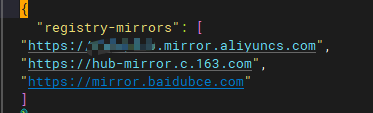
但一样是下载失败
如何自己推荐加速服务呢?
自已建:https://github.com/bboysoulcn/registry-mirror(放弃)
使用cloudflare代理:https://github.com/ImSingee/hammal(好像失效)(有时候有问题)
使用:https://www.cnblogs.com/KubeExplorer/p/18264358(放弃)
https://github.com/harrisonwang/docxy/tree/main (可行,需要国外服务器)
自制: https://github.com/dqzboy/Docker-Proxy?tab=readme-ov-file (使用,这个需要大磁盘,因为这不是转发请求,而是镜像)
1. 公用镜像
{
    "registry-mirrors": [
        "https://docker.1ms.run",
        "https://dockerproxy.net",
        "https://docker.m.daocloud.io",
        "https://docker.1panel.live"
    ],
    "insecure-registries": [],
    "debug": false,
    "experimental": false,
    "features": {
        "buildkit": true
    }
}1.1 使用cloudflare
注意:因为wrangler无法在国内使用,所以才用这种方法
1.1.1 下载代码
首先下载仓库 代码到本地,同时也要clone到自己的github账号下面。
https://github.com/ImSingee/hammal
1.1.2 安装库
npm install1.1.3 创建 Workers 项目
进入 Cloudflare Dashboard 创建一个新的 Workers 项目,给他一个命名(例如 hammal)
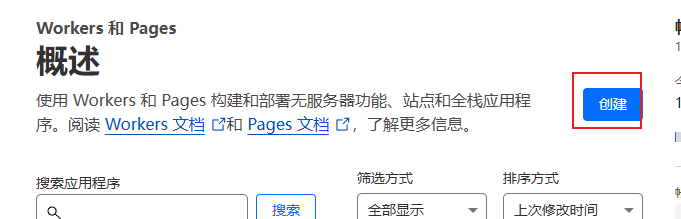
取完名字后,直接点部署

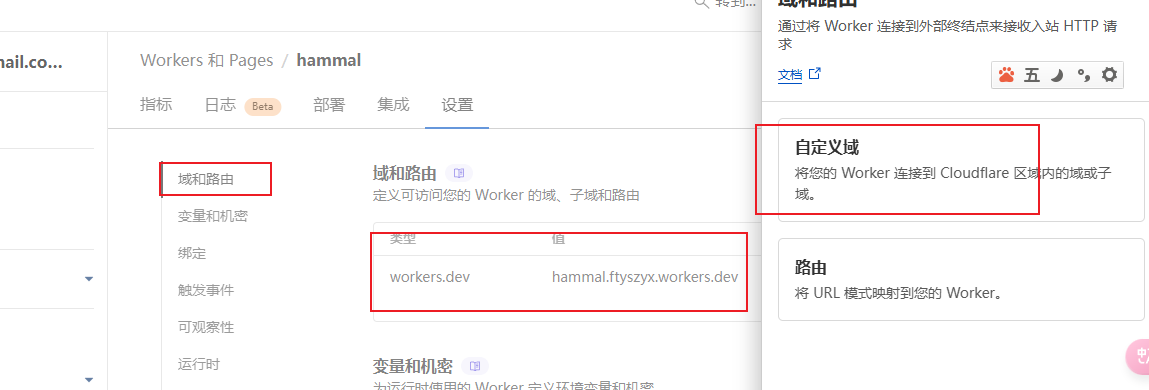
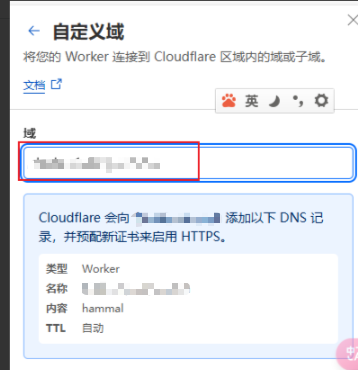
需要配置自定义域
1.1.4 配置项目
复制 wrangler.toml.sample 文件改名 wrangler.toml 并修改其 name 和 account_id
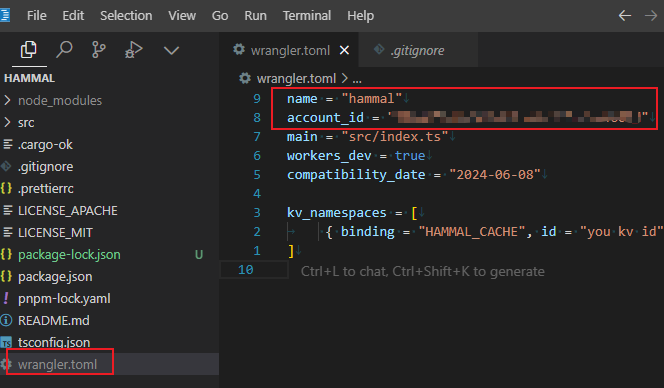
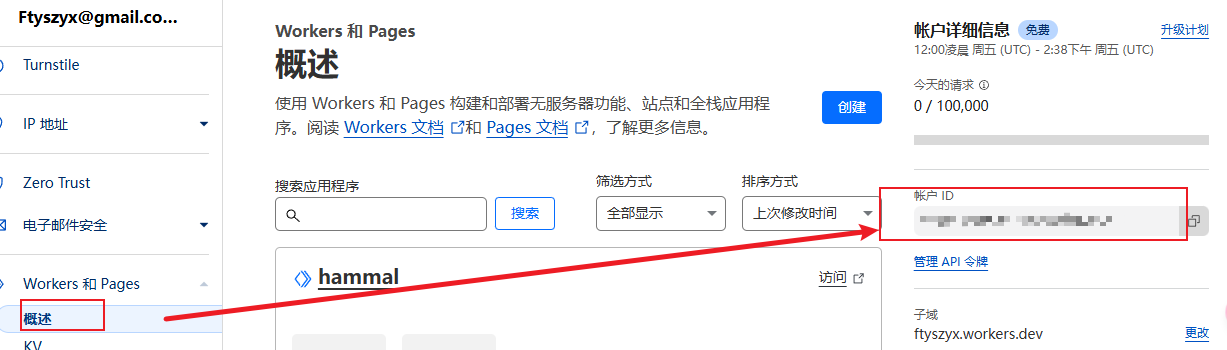
account_id 可以从 CF Workers Dashboard 右侧获得
1.1.5 创建 cache 缓存 kv
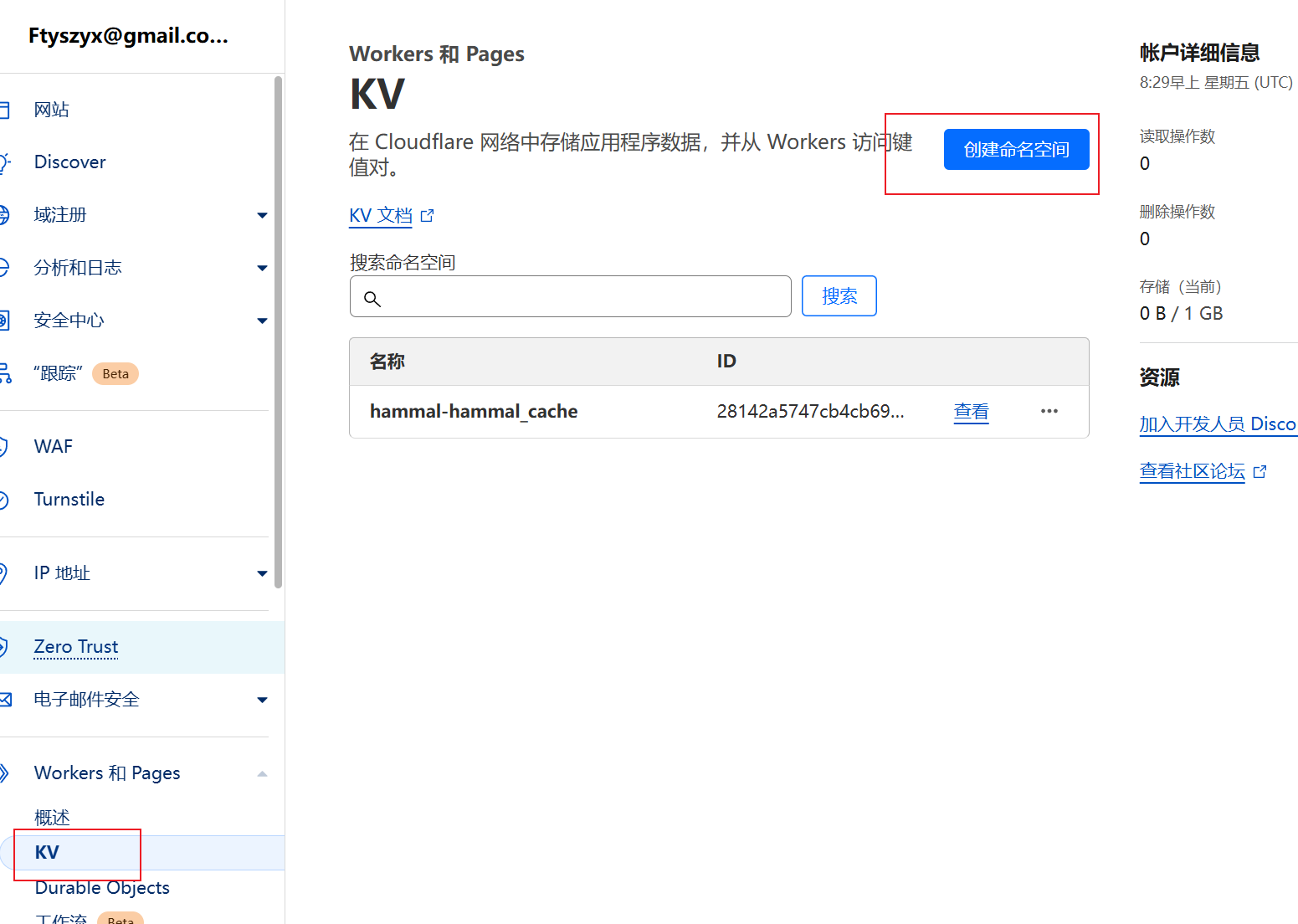
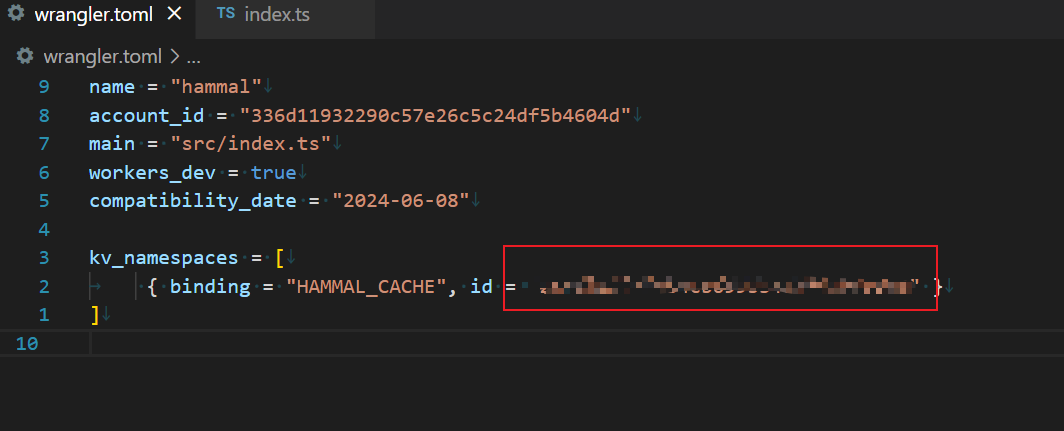
把kv id记录下来,填到配置里
1.1.6 关联上github项目
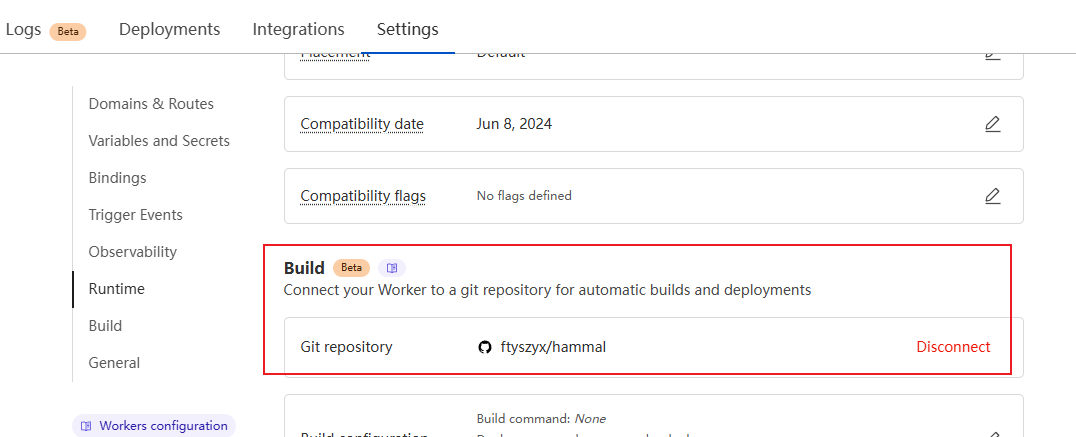
提交github后就会触发部署
1.1.7 Deploy
进入你的 Workers 脚本的 dashboard,为它绑定一个自定义域名(必要,因为默认的 workers.dev 域名被墙了)

1.1.8 本地配置
使用你的自定义域名作为 docker registry mirror 即可
修改/etc/docker/daemon.json
windows上是%userprofile%\.docker\daemon.json.
{
"registry-mirrors": [
        "https://docker.1panel.live",
        "https://docker.1ms.run",
        "https://dockerproxy.net",
        "https://docker.m.daocloud.io"
    ],
    "insecure-registries": [],
    "debug": false,
    "experimental": false,
    "features": {
        "buildkit": true
    }
}启用
sudo systemctl daemon-reload
sudo systemctl restart docker2. 自建镜像
https://blog.hentioe.dev/posts/unhindered-accesss-dockerhub.html
进一步访问 /v2/library/node/manifests/20 这个路径,这相当于手动调用此 mirror 的 API。如果正确会下载 node:20 这个镜像的 Manifest 文件,否则会显示 API 的错误响应。
编辑 /etc/docker/daemon.json 文件,加入以下配置:
{ "registry-mirrors": ["http://<YOUR_SERVER_HOST>:5000"]}3. nginx代理
server {
    listen 80;
    server_name  test.ddd.cn;  # 修改为你的域名
    access_log /var/log/nginx/test.ddd.cn.access.log;
    error_log /var/log/nginx/test.ddd.cn.error.log;

  location / {
        client_max_body_size 1024M;
        proxy_pass https://registry-1.docker.io:443;
        proxy_set_header Authorization $http_authorization;
        proxy_pass_header Authorization;
        proxy_redirect https://registry-1.docker.io $scheme://$http_host;
}
}https://www.cnblogs.com/guangdelw/p/18253540
4. 1panel的加速
https://bbs.fit2cloud.com/t/topic/5886
镜像加速:应用安装失败,镜像拉取超时,此时可以配置镜像加速器进行优化
- 配置加速地址:
https://docker.1panel.live